 No login required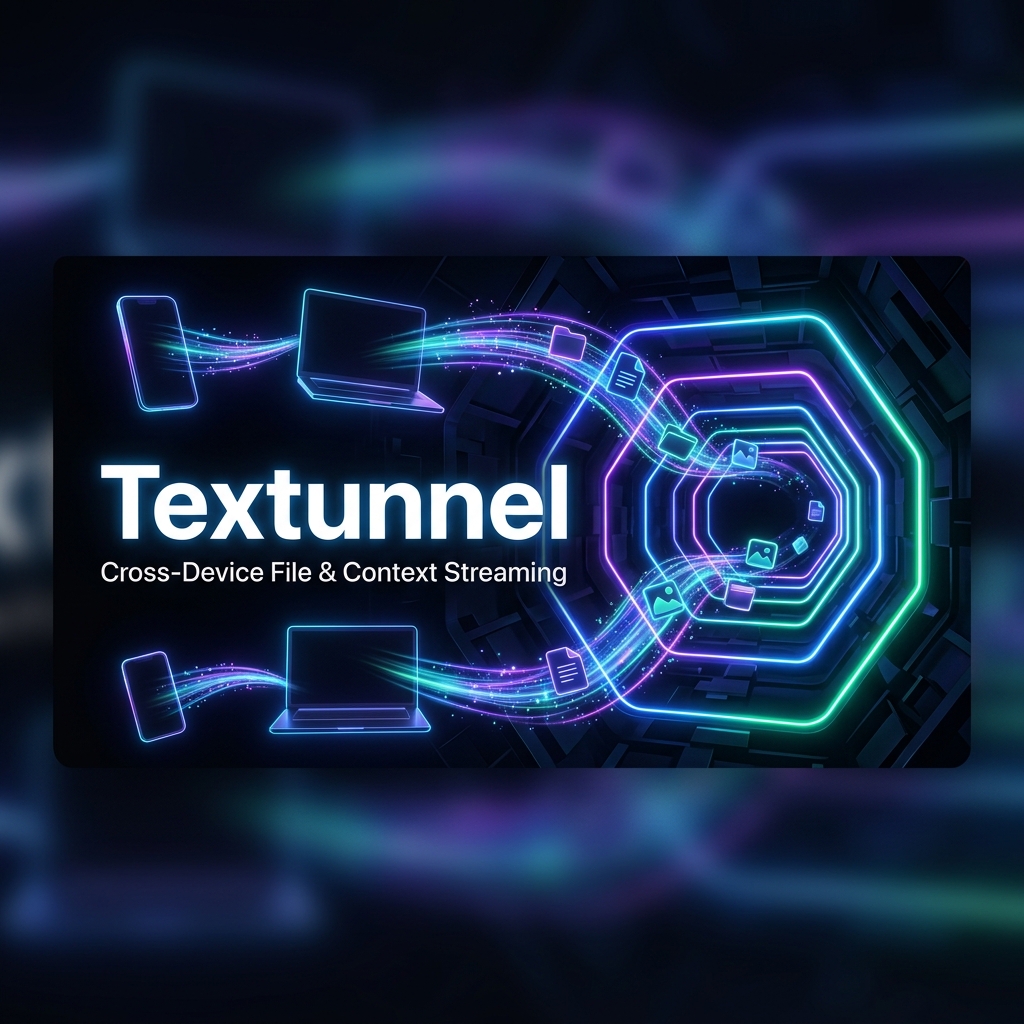
Why Users Seek WarpShare Alternatives in 2026
When WarpShare first appeared in the open-source community, it amazed Android enthusiasts. By reverse-engineering Apple's proprietary AWDL (Apple Wireless Direct Link) protocol, WarpShare allowed Android smartphones to send files directly to Apple MacBooks via native AirDrop.
However, over time, WarpShare's core limitations have become clear:
- Fragile Protocol Reverse-Engineering: Apple frequently updates macOS and iOS network handshakes, breaking AWDL compatibility and causing transfers to fail silently.
- Android-to-Apple Only: WarpShare cannot send files to Windows PCs, Linux workstations, or between two Android devices.
- Hardware & Driver Restrictions: It requires specific Wi-Fi chipsets that support dual-band concurrent channels, causing crashes on many budget and flagship phones alike.
If you are looking for reliable, cross-platform WarpShare alternatives that work consistently across all operating systems in 2026, here are the top solutions compared.
Quick Summary: Top WarpShare Alternatives
- Textunnel: Top Overall Alternative (Zero-Install WebRTC). Works seamlessly across Android, macOS, Windows, iOS, and Linux. No apps, no root, no protocol fragility—just instant, encrypted local network streaming.
- LocalSend: Top Native Open-Source App. Outstanding offline performance across Android, Mac, and Windows over local Wi-Fi. Native clients are installed apps; the project also offers a web client.
- KDE Connect: Best for Advanced Power Users. Deep system integration, clipboard sync, and notification mirroring between Android, Linux, and Windows.
- NearDrop: Mac-to-Android Quick Share Listener. A lightweight macOS menu-bar app that allows Macs to receive files from Android devices via Google Quick Share.
Feature Comparison Matrix (2026)
| Feature | Textunnel | WarpShare | LocalSend | KDE Connect |
|---|---|---|---|---|
| Supported Sender Platforms | ✅ Android, Mac, Win, iOS, Linux | ⚠️ Android Only | ✅ Android, Mac, Win, iOS, Linux | ✅ Android, Linux, Windows |
| Supported Receiver Platforms | ✅ Any Device with a Browser | ⚠️ macOS Only | ✅ Any Device with App | ⚠️ Linux, Windows, macOS |
| Zero App Installation | ✅ Yes (Pure Web P2P) | ❌ Requires APK Install | ❌ Requires Native Apps | ❌ Requires Native Apps |
| Connection Stability | 🟢 High (Standard WebRTC) | Device/version dependent | 🟢 High (Local REST/TLS) | 🟢 High (Local Network) |
| File Size Limits | Route and browser limits | ~4.2 GB in the cited fork | Device/storage dependent | ⚠️ Limited by Connection |
| Clipboard Synchronization | ✅ Live Text & Code | ❌ No | ⚠️ Text drop | ✅ Shared Clipboard |
| End-to-End Encryption | 🔒 WebRTC DTLS / AES-GCM | ⚠️ Apple AWDL | 🔒 TLS 1.3 | 🔒 RSA 2048-bit |
Detailed Reviews of the Top WarpShare Alternatives
1. Textunnel — Universal Browser P2P Streaming
Website: https://textunnel.com
Textunnel sidesteps the entire mess of reverse-engineering proprietary wireless chipsets. Instead of fighting Apple's closed-source drivers, Textunnel establishes direct, encrypted WebRTC DataChannels in standard mobile and desktop browsers (Chrome, Safari, Edge, Firefox).
File size depends on the route and browser. After explicit relay permission, broker fallback accepts up to 25 MiB; share links and folder packing accept up to 256 MiB. Receiving larger room files requires a supported disk-saving API. Large-file speed and memory use are not guaranteed.
2. LocalSend — The Decentralized Open-Source Standard
Best For: Users who want a permanent, installable app for their daily personal devices.
LocalSend has become the de-facto open-source transfer app for multi-device households. It operates strictly over your local Wi-Fi network using standard HTTPS endpoints.
Pros:
- Completely decentralized and 100% functional offline without internet access.
- Does not require reverse-engineering closed Apple protocols.
- Beautiful Flutter-based UI that feels modern and lightweight.
Cons:
- Both devices must download and install the software before any transfer can occur.
- Requires manual firewall authorization on macOS and Windows.
3. NearDrop — The Lightweight Mac Receiver
Best For: Android users who only need to send files to an Apple Mac.
NearDrop is a minimalist macOS menu bar utility developed by the open-source community. It implements Google's Quick Share (Nearby Share) protocol on macOS, allowing your Android phone's built-in sharing menu to detect your Mac.
Pros:
- Zero apps required on Android—uses Android's native Quick Share menu.
- Extremely lightweight on macOS memory.
Cons:
- One-way only: NearDrop can only receive files on Mac from Android; it cannot send files from Mac back to Android.
- Limited to Android and macOS.
How to Send Files from Android to Mac in 30 Seconds with Textunnel
- Open Textunnel: Visit Textunnel's Mac & Android transfer tool on your Android Chrome browser and Mac Safari/Chrome.
- Scan to Pair: Tap Scan QR on Android and point your camera at the QR code on your Mac screen.
- Transfer Files: Pick your photos, downloads, or full video albums. They stream directly over your local Wi-Fi router using the selected connection; speed and internet use depend on the route.
Conclusion
WarpShare was an inspiring proof-of-concept, but its reliance on reverse-engineered AWDL protocols makes it too fragile for production use in 2026.
If you want an instant, zero-install, and 100% reliable alternative that works on Android, Mac, Windows, and iOS alike, Textunnel provides the cleanest modern experience.
Sources checked 2026-10-17: WarpShare archived fork and limitations, LocalSend native and web clients, KDE Connect. These are documented features, not comparative reliability measurements.